

Cross-Platform Desktop Apps with Electron and TypeScript
Why Desktop Apps Still Matter
Despite the web's dominance, desktop applications remain essential for many use cases. Offline-first tools, system-level integrations, hardware access, and performance-critical applications all benefit from running natively on the user's machine.
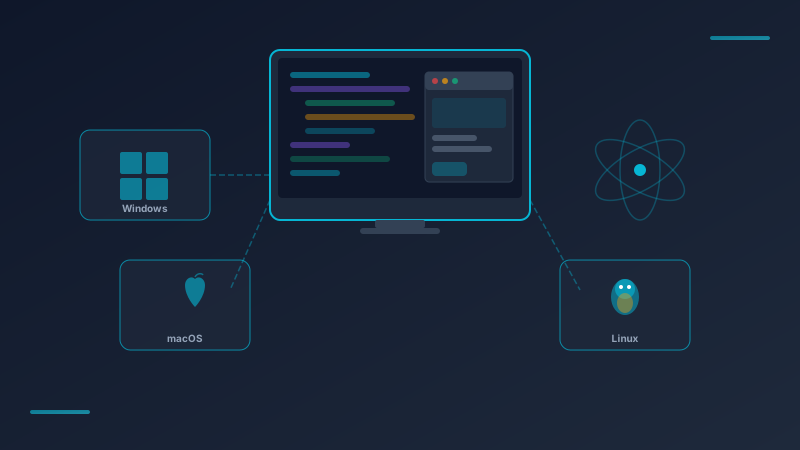
Electron lets you build these applications using the web technologies you already know — HTML, CSS, and TypeScript — while targeting Windows, macOS, and Linux from a single codebase.
The Architecture
An Electron application consists of two processes:
- Main process — Runs in Node.js, manages windows, handles system APIs
- Renderer process — Runs your web UI (React, Vue, or vanilla HTML)
TypeScript Advantages
TypeScript adds critical safety to Electron development:
- IPC type safety — Define typed channels between main and renderer processes
- Config validation — Catch misconfiguration at compile time
- Refactoring confidence — Rename a function and all references update
Real-World Use Cases
At Lindevo, we have built Electron applications for:
- Property management dashboards — Offline-capable tools for resort managers
- Inventory tracking systems — Barcode scanning integration for warehouses
- Report generators — Automated PDF generation from database queries
Platform Considerations
Each operating system has its quirks:
- Windows — Code signing required for distribution, MSI/NSIS installers
- macOS — Notarization required, DMG distribution, Apple Silicon support
- Linux — AppImage or Snap for broad compatibility, DEB/RPM for specific distros
Info
Performance Tips
- Lazy-load heavy modules in the renderer process
- Use worker threads for CPU-intensive operations
- Minimize IPC calls between main and renderer
- Profile with Chrome DevTools (built into Electron)
When to Choose Electron
Electron is ideal when your team has web expertise and needs cross-platform support. For maximum performance or tiny bundle sizes, consider alternatives like Tauri (Rust-based). For most business applications, Electron's maturity and ecosystem make it the pragmatic choice.
On this page